Welcome to our Knowledge Base
1. Dashboard
Let’s get started. This tutorial is going to help find your way around the Everest Cast Control panel of your Radio Server.
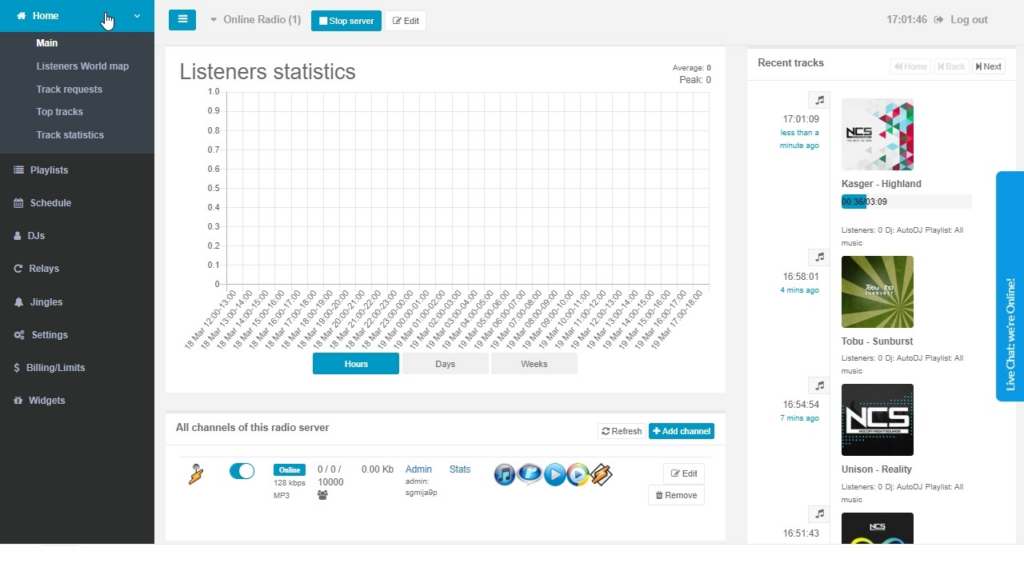
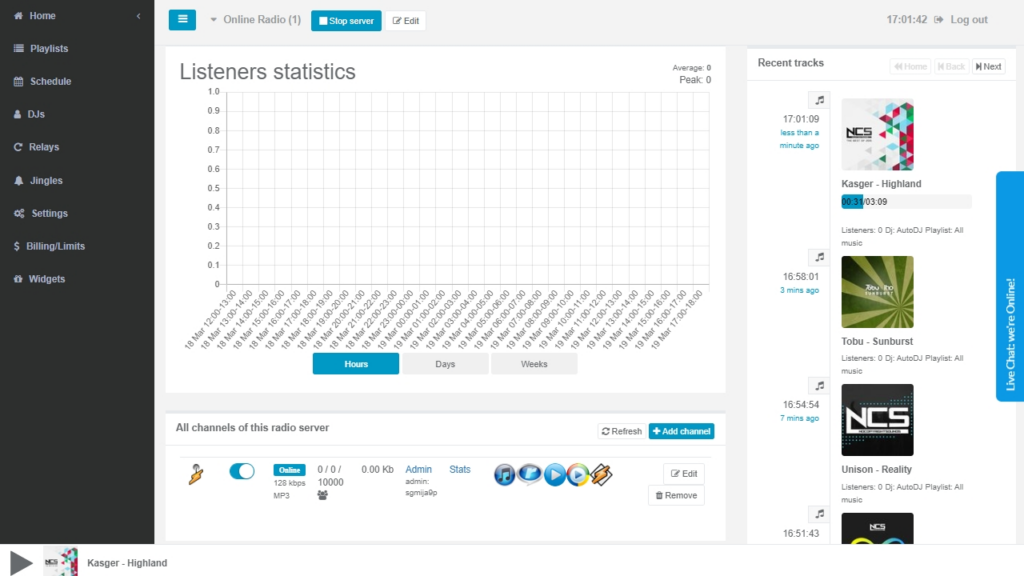
1. The Main Page of the Dashboard contains a menu to the left, buttons that let you Stop and Start the server or Edit the name, lookup recent Listeners statistics, Recently played, queued tracks and access Channel/s Management.
By unfolding Home you get access to further statistics of the broadcasted tracks, listeners’ location on the World Map and more.